DIVISIONALS TOMORROW AT OSRC!
Posted on July 25, 2026COME CHEER YOUR FELLOW OTTERS!!!
Don't miss the chance to support your teammates and watch some amazing diving!
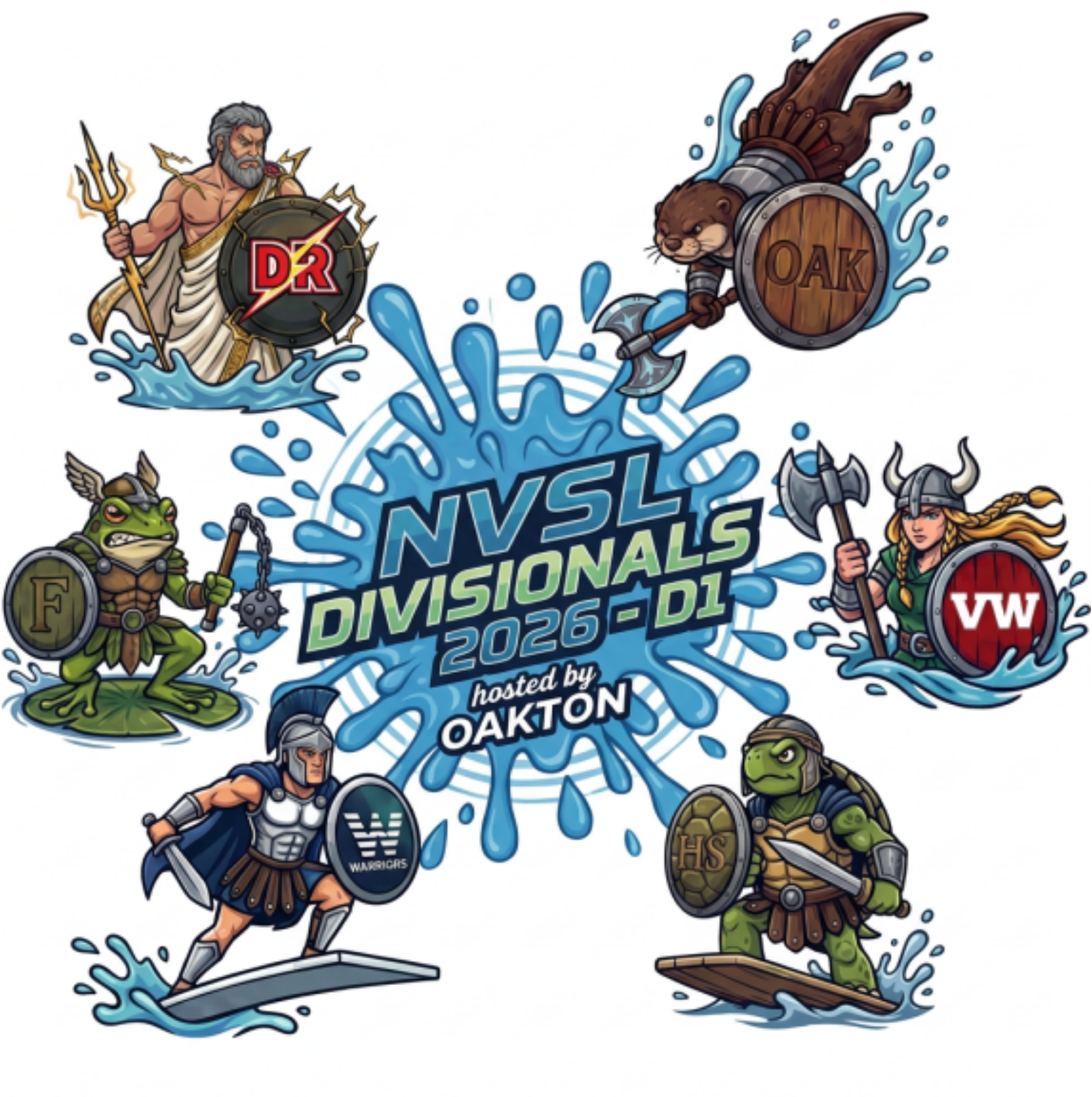
See the attached program for schedule of events and details.

COME CHEER YOUR FELLOW OTTERS!!!
Don't miss the chance to support your teammates and watch some amazing diving!
See the attached program for schedule of events and details.
Good morning,
Please let me know asap if you are planning on coming to practice today. I don’t want the coaches to stay here if nobody is going to show up.
Text me if you’re coming, please 646.660.5782
Thanks, Diana
Hello,
Afternoon practices and our team dinner are still on!
Same time, same place, same fun!
See you later!
Kelly and Diana
Given the current and expected weather conditions, we unfortunately have to reschedule tonight's dual meet. New date: Wednesday, July 9th.
We will have the meet, our senior recognition and team dinner that same afternoon.
Stay warm!
Kelly and Diana-
TEAM PICTURE DAY AND PANCAKE BREAKFAST IS TOMORROW (FRIDAY, JUNE 13TH)
Don't miss this chance to truly understand the sport our kids love!
Curious about what makes a dive spectacular? Do you want to finally understand the difference between a good score and a great one? Ever puzzled by the meaning of "403B" or a "forward one and a half…
This page is designed to work with our blog engine (Manage Team > Website > Posts, or you can add a post by going to Manage Site > Add News Post). Once you have created some posts, you will see them on this page (and you will want to edit or remove this footer).
This page should not be repurposed or deleted, although you can change the name of the page, and it can be moved to somewhere else in your navigation, or hidden from navigation if you don't want it to be seen (go to Manage Site > Edit Navigation > select page "Properties," then check "Hide From Navigation").
Posts are also used in conjunction with the "Recent News" snippet. See our Help Center article on Posts.
This content is in your "News” Template and can be easily edited or deleted as you create your own content: go to Manage Site > Edit Template Content
and click on the pencil icon in the upper right corner of this Text
Area.The “News” Template has only been applied to this page, it uses the Default Layout, thus has a right sidebar (which is currently empty). If
you’d like to change the Template that’s assigned to this page, see our
Help Center article on the topic here.
You may rename or move this page, but you may not delete it: go to Manage Site > Edit Navigation. For more information, see our Help Center article here.


